
Sports
Testing PC Game Modes: Which Optimizations Boost Performance?

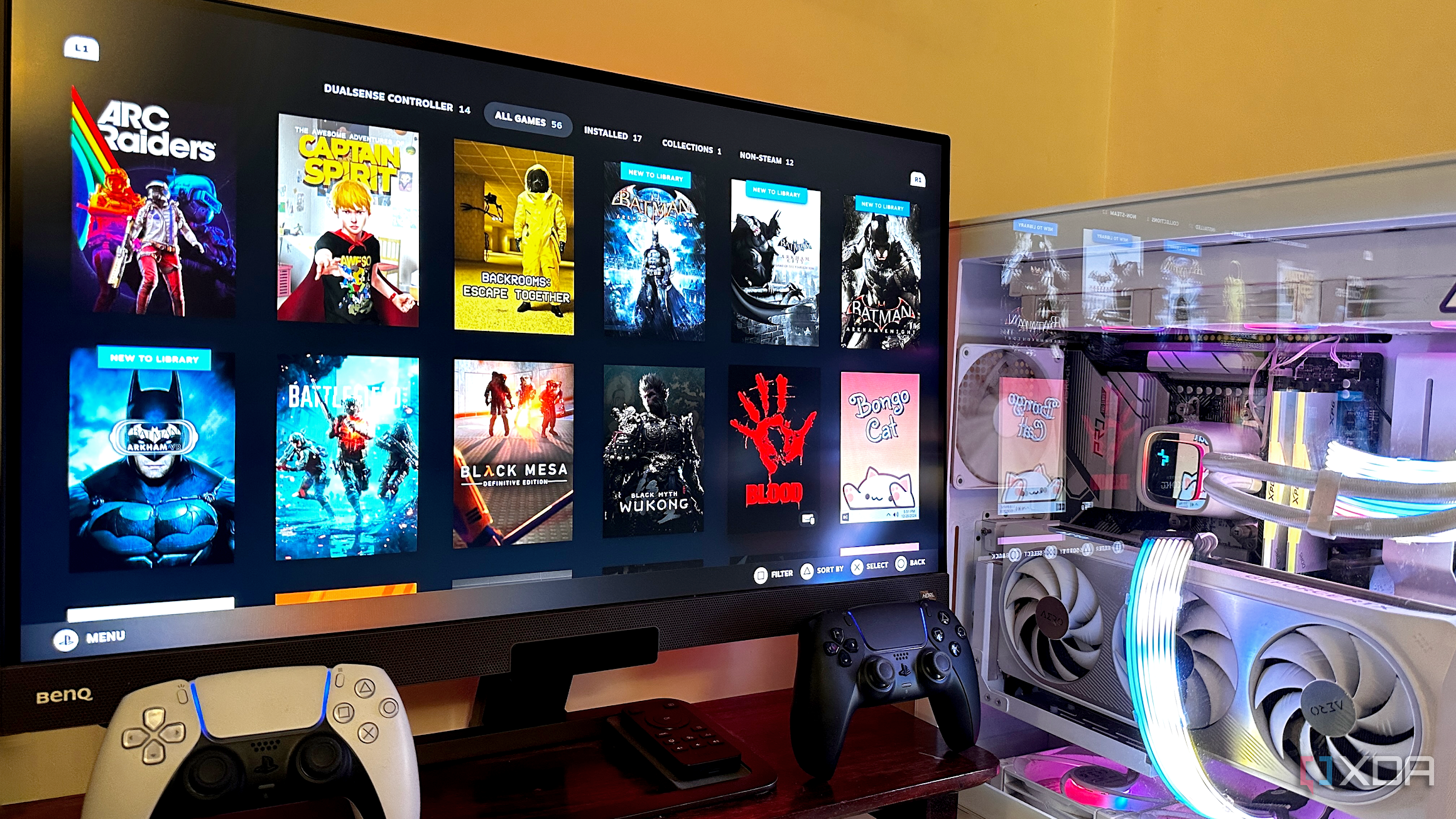
PC gamers often seek ways to enhance their gaming experience, and various performance-enhancing features, known as “game modes,” promise to deliver just that. These modes can be found in Windows settings, BIOS configurations, and third-party applications. To evaluate their effectiveness, I tested several options to determine which ones truly enhance performance and provide a competitive edge.
Performance Testing Setup
To establish a baseline for performance, I conducted tests using three popular titles on a 1440p setup. The games included Hogwarts Legacy (Ultra with DLSS Quality), The Last of Us Part II Remastered (Maxed with DLSS Frame Generation), and Fortnite (Epic with DLSS Balanced). The hardware configuration featured an NVIDIA RTX 4070 Ti Super, an AMD Ryzen 5 7600X, and 32 GB of DDR5-6000 RAM. For monitoring performance, I utilized MSI Afterburner combined with RivaTuner Statistics Server v7.3.7. Frame rates consistently exceeded 144 FPS, although mild CPU-related constraints emerged during simulation-heavy sequences, which is expected for a mid-range setup.
Evaluating Windows 11 Game Mode
The Game Mode feature in Windows 11 prioritizes CPU and GPU resources while suppressing background processes during gameplay. To assess its impact, I re-evaluated the same titles under identical settings used for the baseline tests. Notably, Fortnite experienced a significant uplift in average frame rates due to the prioritization of multiplayer performance, although 1% lows showed only minor improvements.
In the case of The Last of Us Part II, the synergy with frame generation resulted in consistent performance gains, enhancing the fluidity of the gameplay experience. Conversely, Hogwarts Legacy registered the smallest relative improvement, likely due to its effective use of DLSS in managing open-world demands. Overall, the Game Mode enhances stability at 1440p, helping to prevent frame rates from dropping below 100 FPS, making it a valuable tool for gamers who prioritize consistent performance.
Exploring MSI Game Boost
Next, I examined MSI Game Boost, which leverages AMD’s Precision Boost Overdrive (PBO) to elevate gaming performance. Activated directly from the BIOS, Game Boost allows the CPU to exceed its standard limitations, functioning as an automated overclock without the need for manual adjustments.
The results varied by title. Fortnite saw the most substantial improvement, benefiting from the additional CPU headroom, resulting in noticeably improved frame pacing and responsiveness during multiplayer matches. While The Last of Us Part II did not experience a significant average FPS increase, the 1% lows showed slight improvements, leading to smoother camera movements and transitions in complex scenes. Surprisingly, Hogwarts Legacy experienced a 20.2% uplift compared to baseline performance, which translated to a noticeably smoother gaming experience. The MSI Game Boost proves to be an effective option for those seeking enhanced performance at 1440p with minimal effort.
Assessing Razer Cortex Game Booster
Lastly, I evaluated a third-party performance optimizer, Razer Cortex, specifically its Game Booster feature. Upon launching, the Game Booster claimed to free up approximately 3.3 GB of system memory, aligning with its marketing assertions. By clearing background processes and reallocating system resources, it aimed to optimize performance during gameplay.
Under the Game Booster’s influence, Fortnite experienced a slight FPS dip, likely due to the unpredictable nature of its multiplayer load balancing, making it challenging to benchmark effectively. Conversely, The Last of Us Part II achieved modest gains, as the freed-up memory complemented DLSS Frame Generation. The standout performance came from Hogwarts Legacy, which greatly benefited from reduced memory contention in its expansive open-world setting, showing significant improvements in average and 1% low frame rates.
In conclusion, each game optimization mode tested has its strengths and is suited for different scenarios. Windows 11 Game Mode provides a subtle but effective enhancement, minimizing interruptions and streamlining gameplay. MSI Game Boost excels in CPU-demanding scenarios, offering significant frame rate improvements with little user intervention. Meanwhile, Razer Cortex is particularly beneficial for memory-intensive titles, enhancing performance by optimizing resource allocation. By understanding the unique advantages of each mode, gamers can tailor their setups for optimal performance based on their specific gaming needs.

Designers Unveil 5 Urgent Tricks to Transform Outdoor Eyesores

Shark Teeth Research Reveals Urgent Need to Protect Species

Church Members Unite in Resilience After Thanksgiving Fire

Community Unites to Attempt World Record for Largest Cookie Exchange

Mayor Lurie Appoints Alan Wong to District 4 Seat Amid Controversy

Mayor Appoints Alan Wong as New Supervisor for District 4

UK Report Reveals AI’s Role in Evaluating University Research Quality

Gabriela Jaquez Shines as No. 3 UCLA Dominates No. 14 Tennessee

Trump Promises to Release MRI Results Despite Uncertainty on Scan

University of Hawaiʻi Joins $25.6M AI Initiative to Monitor Disasters

Toledo City League Announces Hall of Fame Inductees for 2024

DOJ Seizes $15 Billion in Bitcoin from Major Crypto Fraud Network

Sharp Launches Five New Aquos QLED 4K Ultra HD Smart TVs

Celtics Coach Joe Mazzulla Dominates Local Media in Scrimmage

Mutual Advisors LLC Increases Stake in SPDR Portfolio ETF

Community Unites for 7th Annual Walk to Raise Mental Health Awareness

Western Executives Confront Harsh Realities of China’s Manufacturing Edge

INK Entertainment Launches Exclusive Sofia Pop-Up at Virgin Hotels
-
Science4 weeks ago
University of Hawaiʻi Joins $25.6M AI Initiative to Monitor Disasters
-
 Lifestyle2 months ago
Toledo City League Announces Hall of Fame Inductees for 2024
-
 Business2 months ago
DOJ Seizes $15 Billion in Bitcoin from Major Crypto Fraud Network
-
 Top Stories2 months ago
Sharp Launches Five New Aquos QLED 4K Ultra HD Smart TVs
-
 Sports2 months ago
Celtics Coach Joe Mazzulla Dominates Local Media in Scrimmage
-
 Politics2 months ago
Mutual Advisors LLC Increases Stake in SPDR Portfolio ETF
-
 Health2 months ago
Community Unites for 7th Annual Walk to Raise Mental Health Awareness
-
 Science2 months ago
Western Executives Confront Harsh Realities of China’s Manufacturing Edge
-
 World2 months ago
INK Entertainment Launches Exclusive Sofia Pop-Up at Virgin Hotels
-

 Politics2 months ago
Major Networks Reject Pentagon’s New Reporting Guidelines
-

 Science1 month ago
Astronomers Discover Twin Cosmic Rings Dwarfing Galaxies
-

 Top Stories1 month ago
Randi Mahomes Launches Game Day Clothing Line with Chiefs