
Top Stories
Master the Linux Terminal: 6 Essential Habits You Need NOW

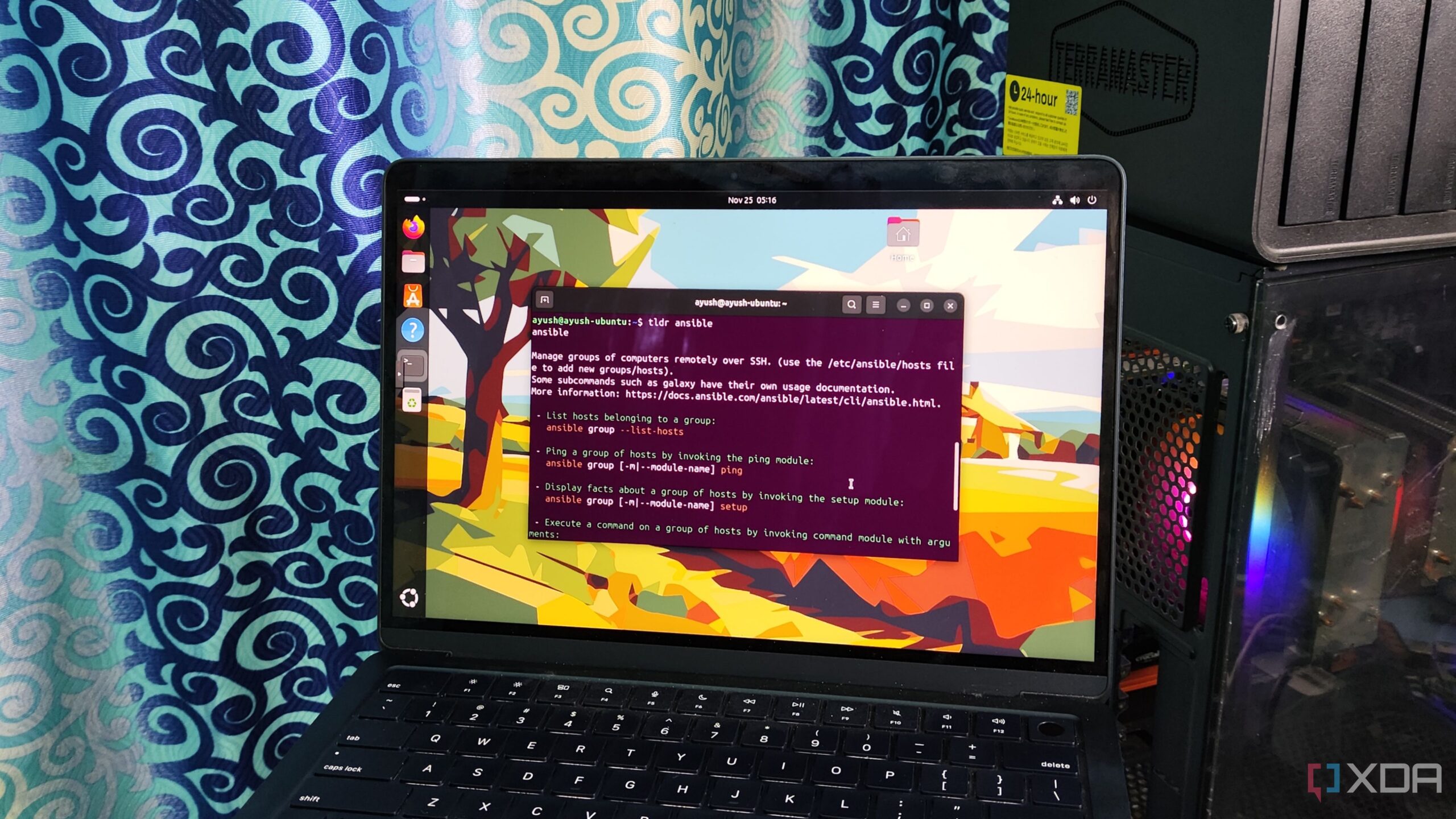
URGENT UPDATE: Linux enthusiasts are discovering 6 key terminal habits that can transform their command-line experience, and the time to adopt these practices is NOW. As users transition from traditional operating systems like Windows, mastering the Linux terminal can significantly enhance productivity and efficiency.
Recent insights reveal that many new Linux users struggle with command-line interfaces, often feeling overwhelmed by complex commands. However, implementing these essential habits can streamline tasks and minimize frustrations.
1. Reusing Old Commands
One of the most game-changing techniques is reusing previous commands. Using operators like !! allows users to instantly repeat the last command, which is particularly useful for operations requiring root privileges. For those who need to run commands multiple times, the history command provides easy access to past commands, while Ctrl+R enables quick searches through command history.
2. Simplifying Help Pages with tldr
Navigating help pages can be cumbersome. The tldr package streamlines this process by summarizing essential commands in a concise format, making it easier for users to learn new tools without sifting through extensive documentation.
3. Combining Commands for Efficiency
Advanced users can boost their efficiency by combining commands using operators like ;, &&, and ||. This allows for executing multiple commands in a single line, enhancing workflow and minimizing repetitive tasks. Piping commands with the | operator also enables seamless data transfer between commands, further improving efficiency.
4. Troubleshooting with lsof
Even stable distributions like Debian can encounter issues. The lsof command is invaluable for tracking down processes that may be causing problems, such as port conflicts or unresponsive services. This command provides essential stats including process IDs and file locations, enabling quick resolutions to common issues.
5. Managing Permissions with chmod
New users often mistakenly use chmod 777 for files, exposing them to security vulnerabilities. Experts recommend using chmod 755 or chmod 555 to safeguard critical system files while still allowing necessary access.
6. Automating with cron Scripts
Job scheduling is crucial for maintenance tasks. Linux supports automation through cron scripts, allowing users to set precise schedules for backups and system checks. While cron syntax can be tricky, using expression evaluators ensures tasks run as intended.
With these 6 essential habits, Linux users can significantly enhance their command-line efficiency and security. As the community continues to evolve, adopting these practices is crucial for both newcomers and seasoned users alike.
What’s Next? Stay tuned for more updates as the Linux community shares additional tips and tricks to make the most of your terminal experience. Embrace these habits today and elevate your Linux skills to new heights!

Japan’s PM Takaichi Confirms Continued Fiscal Management Strategy

Bitcoin Plummets Below $88K Amid Tether Concerns and Warnings

Designers Unveil 5 Urgent Tricks to Transform Outdoor Eyesores

Shark Teeth Research Reveals Urgent Need to Protect Species

Church Members Unite in Resilience After Thanksgiving Fire

Community Unites to Attempt World Record for Largest Cookie Exchange

Mayor Lurie Appoints Alan Wong to District 4 Seat Amid Controversy

Mayor Appoints Alan Wong as New Supervisor for District 4

UK Report Reveals AI’s Role in Evaluating University Research Quality

University of Hawaiʻi Joins $25.6M AI Initiative to Monitor Disasters

Toledo City League Announces Hall of Fame Inductees for 2024

DOJ Seizes $15 Billion in Bitcoin from Major Crypto Fraud Network

Sharp Launches Five New Aquos QLED 4K Ultra HD Smart TVs

Celtics Coach Joe Mazzulla Dominates Local Media in Scrimmage

Mutual Advisors LLC Increases Stake in SPDR Portfolio ETF

Community Unites for 7th Annual Walk to Raise Mental Health Awareness

Western Executives Confront Harsh Realities of China’s Manufacturing Edge

Major Networks Reject Pentagon’s New Reporting Guidelines
-
Science4 weeks ago
University of Hawaiʻi Joins $25.6M AI Initiative to Monitor Disasters
-
 Lifestyle2 months ago
Toledo City League Announces Hall of Fame Inductees for 2024
-
 Business2 months ago
DOJ Seizes $15 Billion in Bitcoin from Major Crypto Fraud Network
-
 Top Stories2 months ago
Sharp Launches Five New Aquos QLED 4K Ultra HD Smart TVs
-
 Sports2 months ago
Celtics Coach Joe Mazzulla Dominates Local Media in Scrimmage
-
 Politics2 months ago
Mutual Advisors LLC Increases Stake in SPDR Portfolio ETF
-
 Health2 months ago
Community Unites for 7th Annual Walk to Raise Mental Health Awareness
-
 Science2 months ago
Western Executives Confront Harsh Realities of China’s Manufacturing Edge
-
 Politics2 months ago
Major Networks Reject Pentagon’s New Reporting Guidelines
-

 World2 months ago
INK Entertainment Launches Exclusive Sofia Pop-Up at Virgin Hotels
-

 Science1 month ago
Astronomers Discover Twin Cosmic Rings Dwarfing Galaxies
-

 Top Stories1 month ago
Randi Mahomes Launches Game Day Clothing Line with Chiefs