
Top Stories
Urgent Alert: Google’s NotebookLM Misunderstood as Note-Taking App

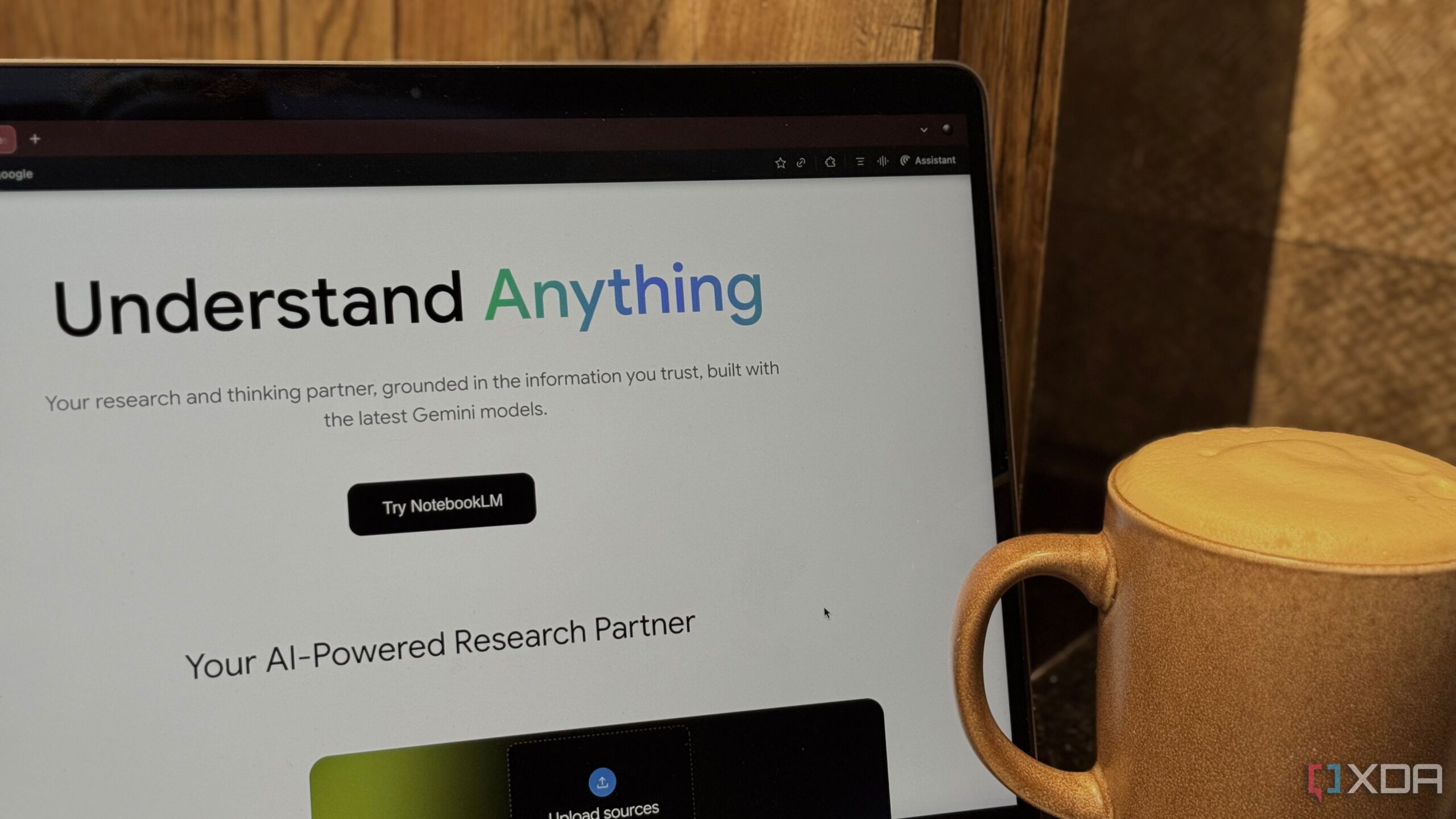
URGENT UPDATE: Google’s NotebookLM has been mischaracterized as a note-taking app, prompting confusion among users. This is a crucial distinction to make as more individuals turn to the platform for their organizational needs.
New reports reveal that NotebookLM is not designed for capturing notes or structuring ideas as traditional note-taking apps do. Instead, it functions primarily as an AI research tool and thinking partner, according to official descriptions from Google. The confusion stems from its name, which includes “Notebook,” leading many to mistakenly view it as a conventional note-taking solution.
NotebookLM operates fundamentally differently. Users must provide information upfront, as the tool does not offer a blank canvas to brainstorm or jot down thoughts like typical note-taking applications. Instead, it awaits input from users, allowing them to upload materials for deeper analysis and interaction. Once sources are uploaded, NotebookLM can generate various outputs, including podcasts, videos, and organized reports. However, these outputs are not created through a traditional note-taking process.
Why This Matters: As more students and professionals seek efficient tools for managing their research, it’s vital to understand the limitations of NotebookLM. Unlike dedicated note-taking apps like Notion or Evernote, it lacks essential features such as categorization, tagging, and structured organization. Users may find themselves frustrated by the lack of a coherent system for retrieving past notes or materials.
Currently, users have to create individual notebooks for each project, manually sorting their sources without any tagging or sorting functionalities. This can lead to a chaotic experience, especially when dealing with multiple subjects. One user reported having to maintain separate notebooks for each course, complicating the organization process.
While NotebookLM does include a “Notes” feature, which allows for basic formatting and storage of up to 1,000 notes per notebook, it does not offer the robust organizational capabilities found in other note-taking solutions. This can result in a cumbersome experience when trying to manage and locate information later.
What’s Next: Users are encouraged to rethink their approach to using NotebookLM. For those determined to integrate it into their workflow, pairing NotebookLM with a dedicated note-taking app may provide the best of both worlds. For example, combining it with tools like Notion or Google Keep could enhance the overall experience and alleviate organizational challenges.
For detailed strategies on how to effectively use NotebookLM alongside traditional note-taking applications, users can refer to resources available on XDA. This approach can maximize the efficiency of both tools, making research and note management more streamlined.
As the conversation around NotebookLM evolves, it is essential for users to stay informed and share their experiences. The implications of misusing this powerful tool could hinder productivity and project success. Engage with fellow users and experts to explore how to best leverage NotebookLM in your academic or professional endeavors.
Stay tuned for further developments as this story unfolds.

Kino Lorber Acquires North American Rights to ‘The Currents’

UGG Offers Historic Discounts on Tasman II Slippers for Cyber Monday

Organizing Committee for 2034 Olympics to Meet Monday Morning

Whitney Leavitt to Star as Roxie Hart in Chicago on Broadway

Berlin Patient Achieves HIV Remission After Cancer Treatment

BTS Duo Jimin and Jung Kook Return with Season Two of ‘Are You Sure?!’

Cory Booker Ties the Knot Amid 2028 Presidential Ambitions

Thieves Steal from Firefighters Battling Deadly Blaze in Philly

Cyber Monday Countdown: Grab Top Deals Under $25 NOW!

University of Hawaiʻi Joins $25.6M AI Initiative to Monitor Disasters

Toledo City League Announces Hall of Fame Inductees for 2024

DOJ Seizes $15 Billion in Bitcoin from Major Crypto Fraud Network

Sharp Launches Five New Aquos QLED 4K Ultra HD Smart TVs

Celtics Coach Joe Mazzulla Dominates Local Media in Scrimmage

Community Unites for 7th Annual Walk to Raise Mental Health Awareness

Mutual Advisors LLC Increases Stake in SPDR Portfolio ETF

Western Executives Confront Harsh Realities of China’s Manufacturing Edge

INK Entertainment Launches Exclusive Sofia Pop-Up at Virgin Hotels
-
Science4 weeks ago
University of Hawaiʻi Joins $25.6M AI Initiative to Monitor Disasters
-
 Lifestyle2 months ago
Toledo City League Announces Hall of Fame Inductees for 2024
-
 Business2 months ago
DOJ Seizes $15 Billion in Bitcoin from Major Crypto Fraud Network
-
 Top Stories2 months ago
Sharp Launches Five New Aquos QLED 4K Ultra HD Smart TVs
-
 Sports2 months ago
Celtics Coach Joe Mazzulla Dominates Local Media in Scrimmage
-
 Health2 months ago
Community Unites for 7th Annual Walk to Raise Mental Health Awareness
-
 Politics2 months ago
Mutual Advisors LLC Increases Stake in SPDR Portfolio ETF
-
 Science2 months ago
Western Executives Confront Harsh Realities of China’s Manufacturing Edge
-
 World2 months ago
INK Entertainment Launches Exclusive Sofia Pop-Up at Virgin Hotels
-

 Politics2 months ago
Major Networks Reject Pentagon’s New Reporting Guidelines
-

 Science1 month ago
Astronomers Discover Twin Cosmic Rings Dwarfing Galaxies
-

 Top Stories1 month ago
Randi Mahomes Launches Game Day Clothing Line with Chiefs