
Top Stories
Urgent Alert: Is Your CPU’s Performance Being Throttled NOW?

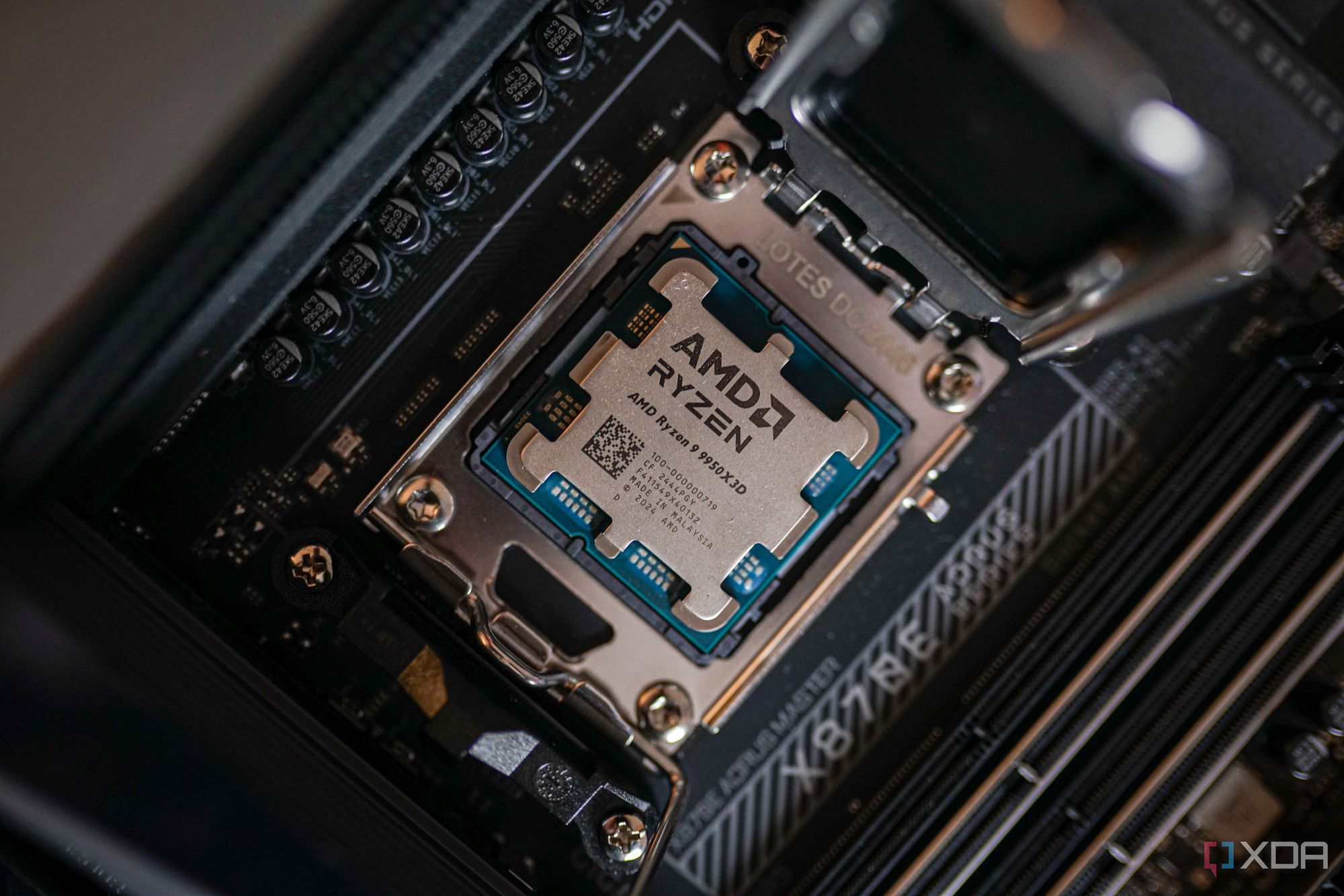
UPDATE: New reports confirm that many users are experiencing significant limitations in CPU performance due to BIOS settings, impacting gaming and rendering capabilities. This urgent issue suggests that your motherboard’s BIOS might be silently restricting your CPU’s potential, and it’s crucial to check this immediately.
Most modern CPUs are designed to deliver maximum performance out of the box, but they rely heavily on the BIOS configuration of your motherboard. The BIOS not only dictates power limits and voltage behavior but also influences how effectively your CPU can perform under load. If you’ve noticed your CPU isn’t reaching advertised boost clocks or benchmark scores, it’s time to investigate.
WHAT TO LOOK FOR:
There are three critical signs that indicate your CPU’s performance may be throttled:
1. **Boost Clock Limitations**: If your CPU is consistently falling short of its advertised boost clock speeds, the BIOS power limits may be too conservative. For example, if your CPU temperature remains well below 85°C but clock speeds are lagging by several hundred MHz, it’s time to dive into your BIOS settings. Many mid-range motherboards prioritize efficiency over performance, which can hinder your processor’s capabilities. Check and increase the power limits to unlock your CPU’s true potential.
2. **Underperformance in Benchmarks**: Have you noticed your CPU underperforming in benchmarks compared to peers? Many gamers and content creators are unaware that their CPUs could be underpowered. For instance, a user with a Ryzen 9 5900X and an RTX 3090 reported lower scores despite optimal cooling. Monitoring tools revealed that the motherboard’s BIOS was limiting power draw, even with adequate thermal headroom. Adjusting the BIOS settings led to improved performance and higher boost clocks, which is essential for competitive gaming.
3. **Inconsistent Voltage Behavior**: If voltage readings show erratic spikes and drops, it may indicate poor voltage regulation by the motherboard. Tools like HWiNFO and CPU-Z can help monitor these fluctuations. Conservative load-line calibration (LLC) settings can lead to voltage drops under load, causing instability and reduced performance. Users should manually adjust the LLC settings in BIOS for smoother voltage delivery, ensuring their CPU can maintain high performance without unnecessary heat spikes.
WHY THIS MATTERS NOW: As gaming and content creation demands rise, ensuring your CPU is operating at peak performance is more important than ever. Users may be sitting on untapped potential without even realizing it. With new titles and software updates on the horizon, every MHz counts.
It’s imperative to take the time to adjust your BIOS settings and monitor your CPU’s performance. Don’t wait for frustrating lag or crashing during crucial moments. The solutions may only be a few clicks away in your BIOS settings.
NEXT STEPS: Check your CPU’s performance metrics immediately. Utilize monitoring tools to assess current boost clocks and voltage behaviors. Adjust your BIOS settings accordingly and share your results with fellow users to help them optimize their setups as well.
This is a developing story, and as more users uncover the impact of BIOS settings on CPU performance, we will continue to provide updates. Stay informed and ensure your hardware is performing at its best!

Fed Chair Powell to Speak Tonight; No Monetary Policy Insights Expected

NSW Government Orders 6-Hour Shutdown of Gambling Machines

Research Sheds Light on ‘Covert Consciousness’ in Patients

Chicago Remembers Tragic Our Lady of the Angels Fire, 92 Lives Lost

Michael Jordan’s Racing Team Takes NASCAR to Court Over Antitrust Claims

Star-Studded British Independent Film Awards Celebrate Top Talent

Cyber Monday 2023: Top Deals and Discounts to Grab Now

TikTok Shop Transforms Shopping with $19 Billion in Sales

Investigating Organ Transplant Waitlist Manipulation Practices

University of Hawaiʻi Joins $25.6M AI Initiative to Monitor Disasters

Toledo City League Announces Hall of Fame Inductees for 2024

DOJ Seizes $15 Billion in Bitcoin from Major Crypto Fraud Network

Sharp Launches Five New Aquos QLED 4K Ultra HD Smart TVs

Celtics Coach Joe Mazzulla Dominates Local Media in Scrimmage

Mutual Advisors LLC Increases Stake in SPDR Portfolio ETF

Community Unites for 7th Annual Walk to Raise Mental Health Awareness

Western Executives Confront Harsh Realities of China’s Manufacturing Edge

INK Entertainment Launches Exclusive Sofia Pop-Up at Virgin Hotels
-
Science4 weeks ago
University of Hawaiʻi Joins $25.6M AI Initiative to Monitor Disasters
-
 Lifestyle2 months ago
Toledo City League Announces Hall of Fame Inductees for 2024
-
 Business2 months ago
DOJ Seizes $15 Billion in Bitcoin from Major Crypto Fraud Network
-
 Top Stories2 months ago
Sharp Launches Five New Aquos QLED 4K Ultra HD Smart TVs
-
 Sports2 months ago
Celtics Coach Joe Mazzulla Dominates Local Media in Scrimmage
-
 Politics2 months ago
Mutual Advisors LLC Increases Stake in SPDR Portfolio ETF
-
 Health2 months ago
Community Unites for 7th Annual Walk to Raise Mental Health Awareness
-
 Science2 months ago
Western Executives Confront Harsh Realities of China’s Manufacturing Edge
-
 World2 months ago
INK Entertainment Launches Exclusive Sofia Pop-Up at Virgin Hotels
-

 Politics2 months ago
Major Networks Reject Pentagon’s New Reporting Guidelines
-

 Science1 month ago
Astronomers Discover Twin Cosmic Rings Dwarfing Galaxies
-

 Top Stories1 month ago
Randi Mahomes Launches Game Day Clothing Line with Chiefs